A coordinate for every terminal
Not a verdict that the terminal was found, but the deviation of each terminal centre, recorded by module number. That set is the joint map the welding station is given.
BLP-AD — station 11 of seventeen, in-line
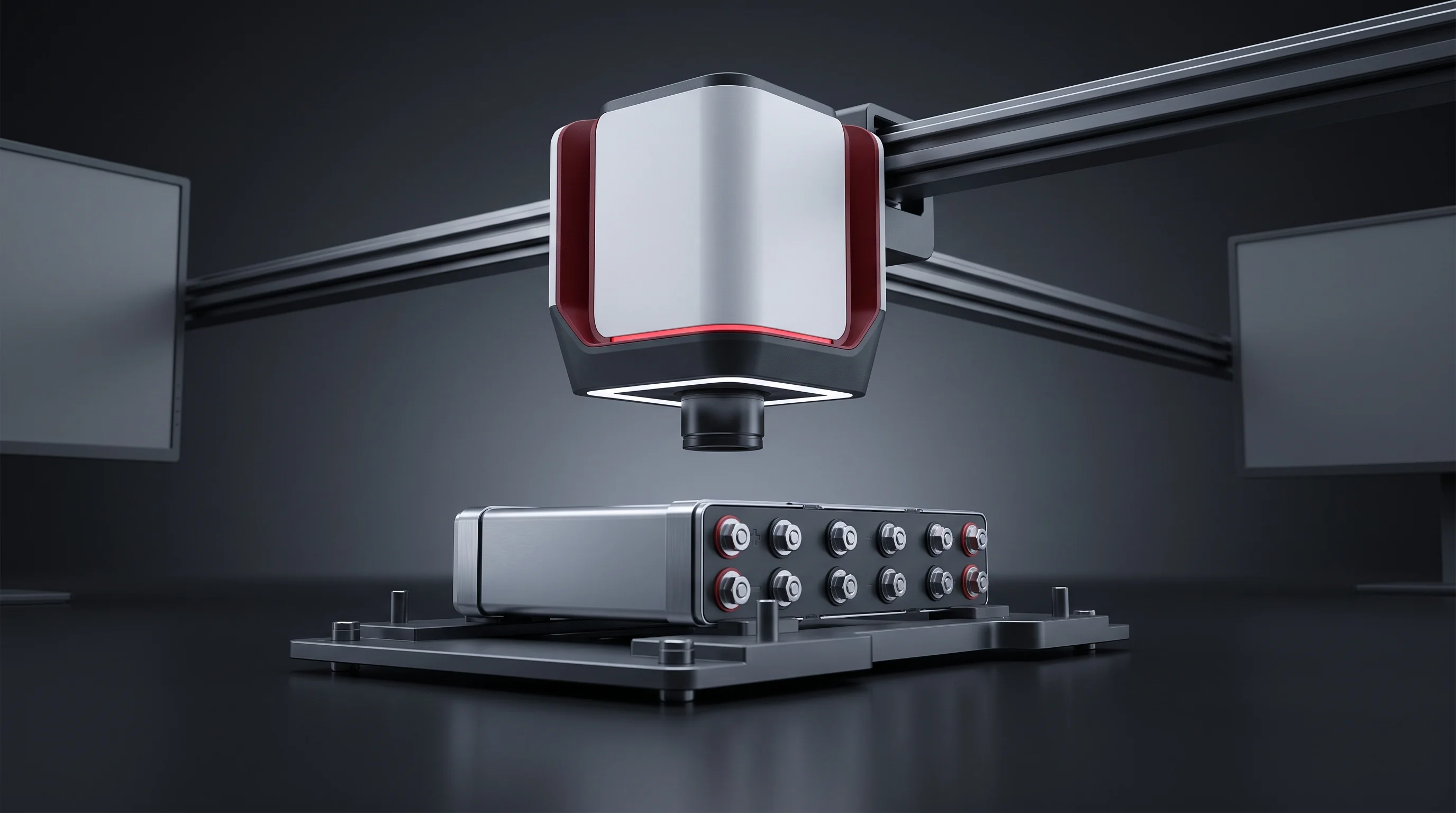
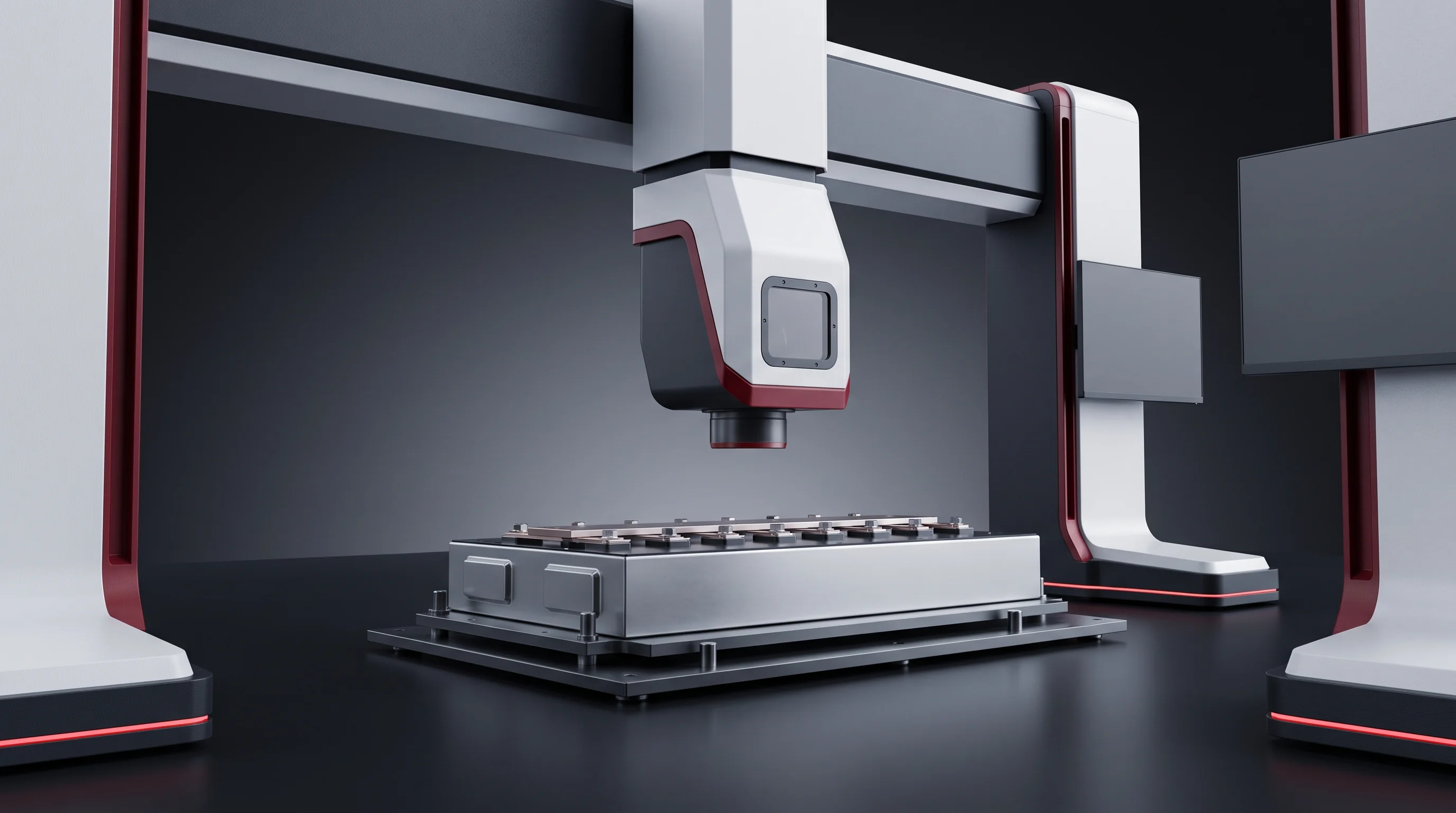
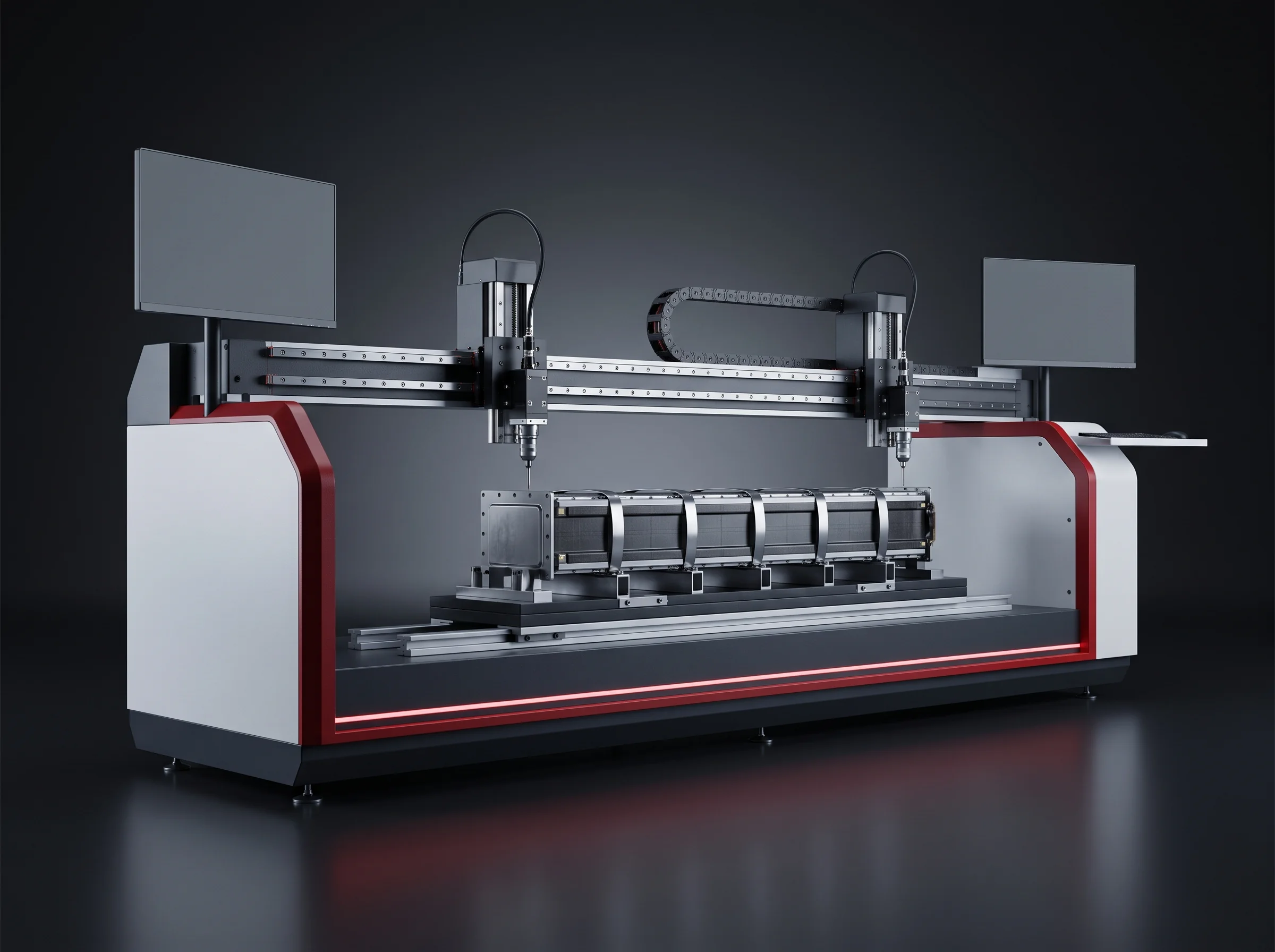
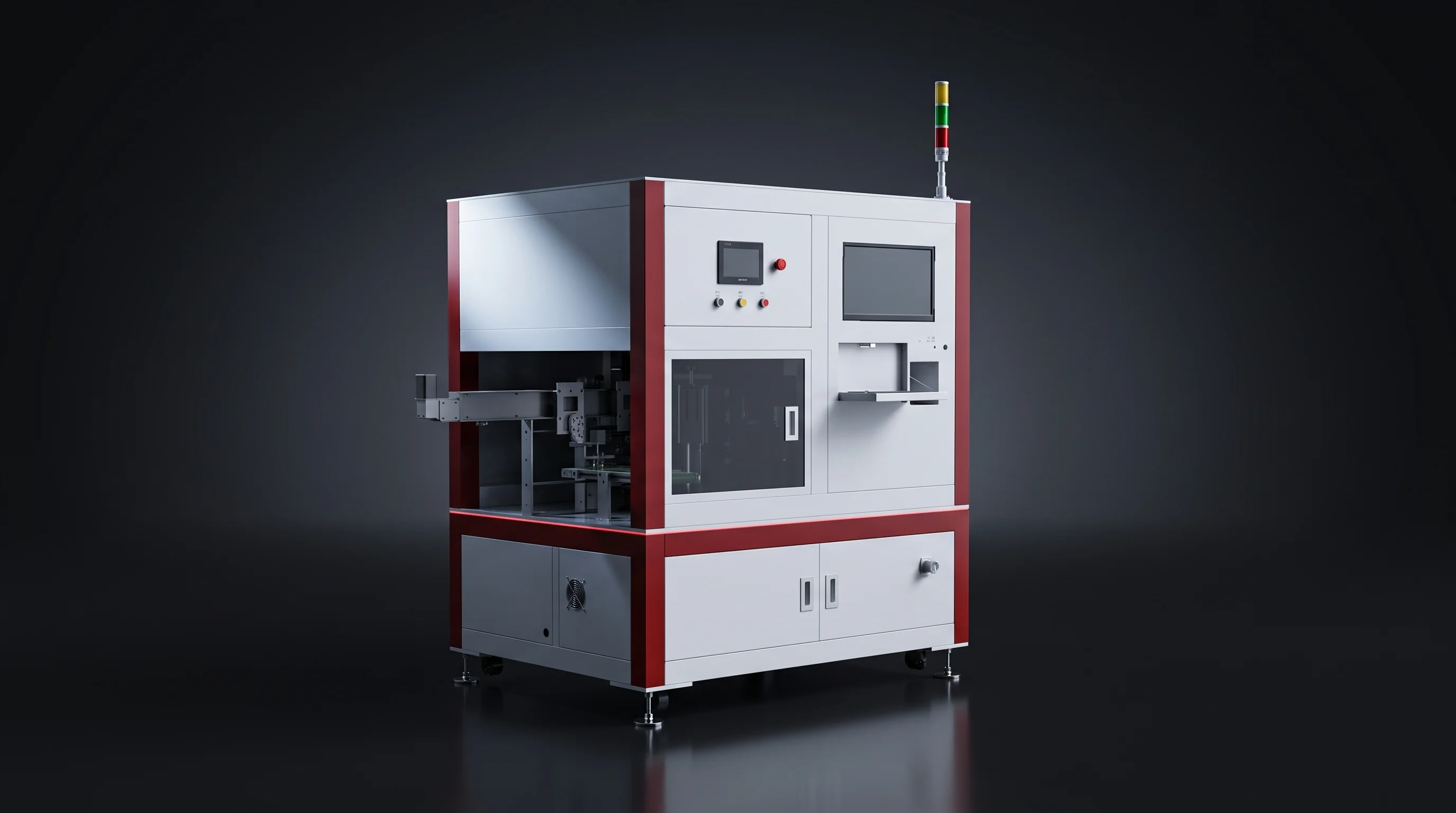
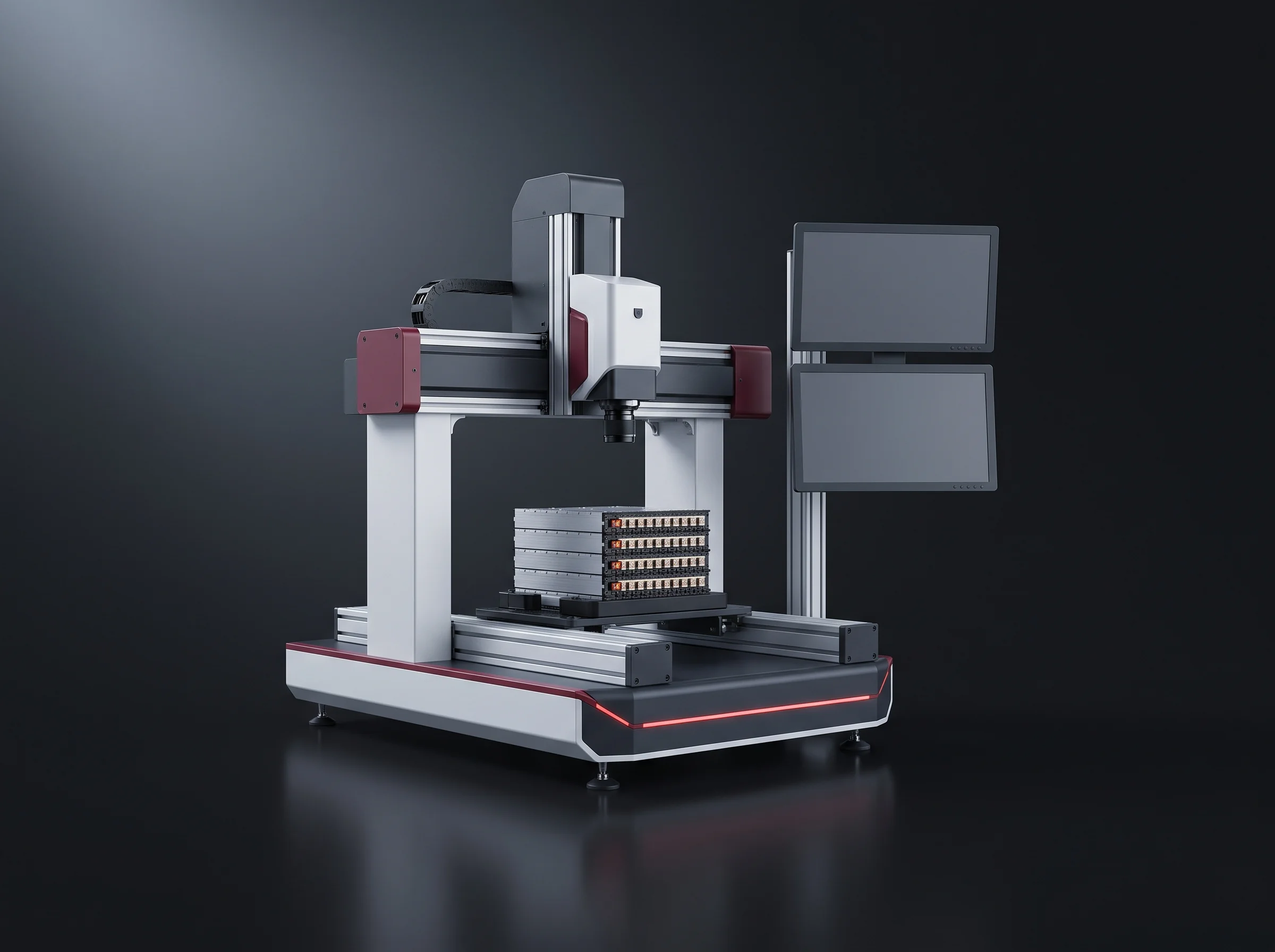
One vision set photographs every terminal on a banded module and returns, from that single frame, the centre coordinate to within ±0.2 mm and the polarity. A 100 W pulsed laser cleans the face in the same 3-second cycle, and the coordinates go forward as the joint map the welder runs on.
In-line, on the carrier
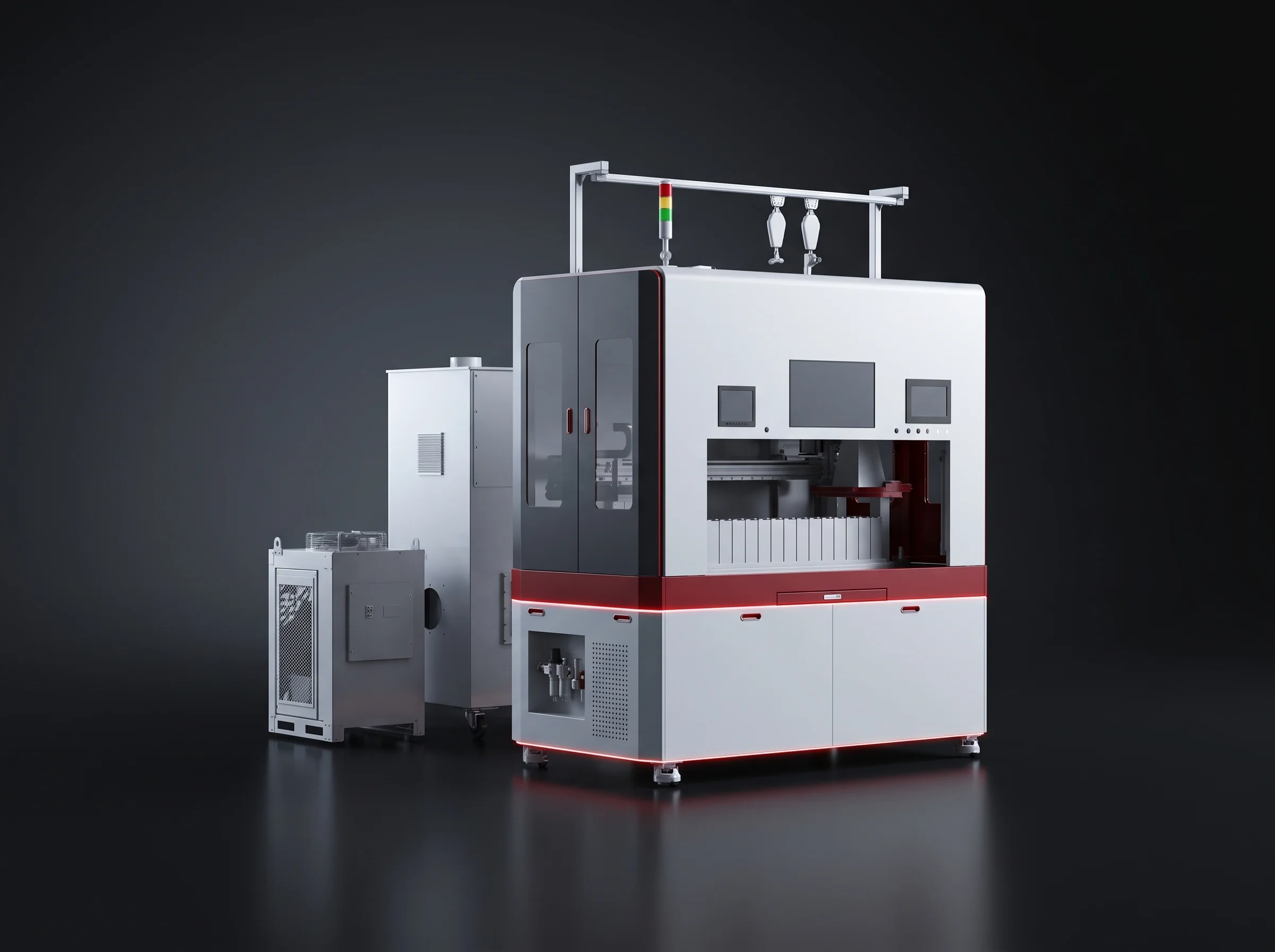
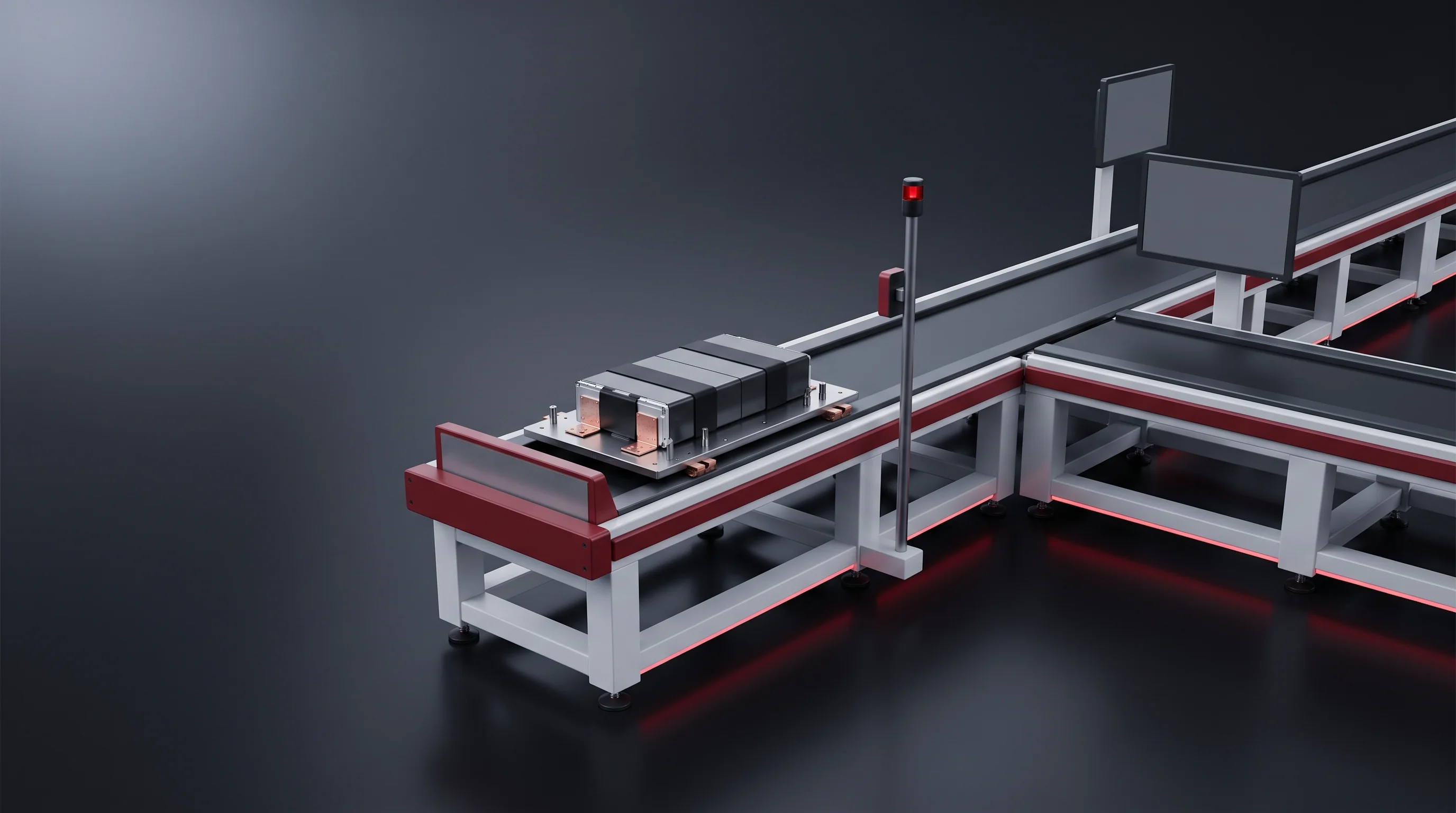
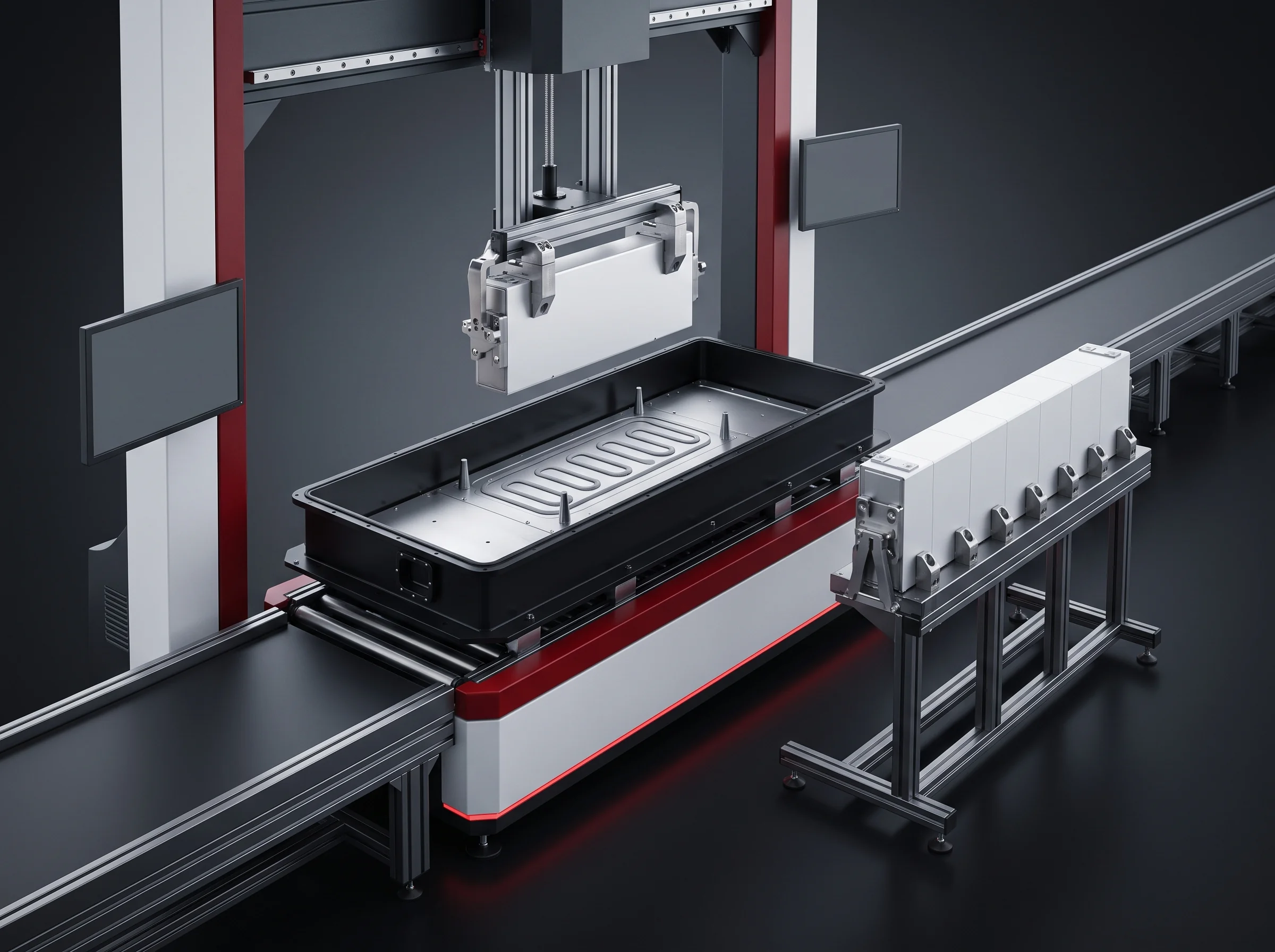
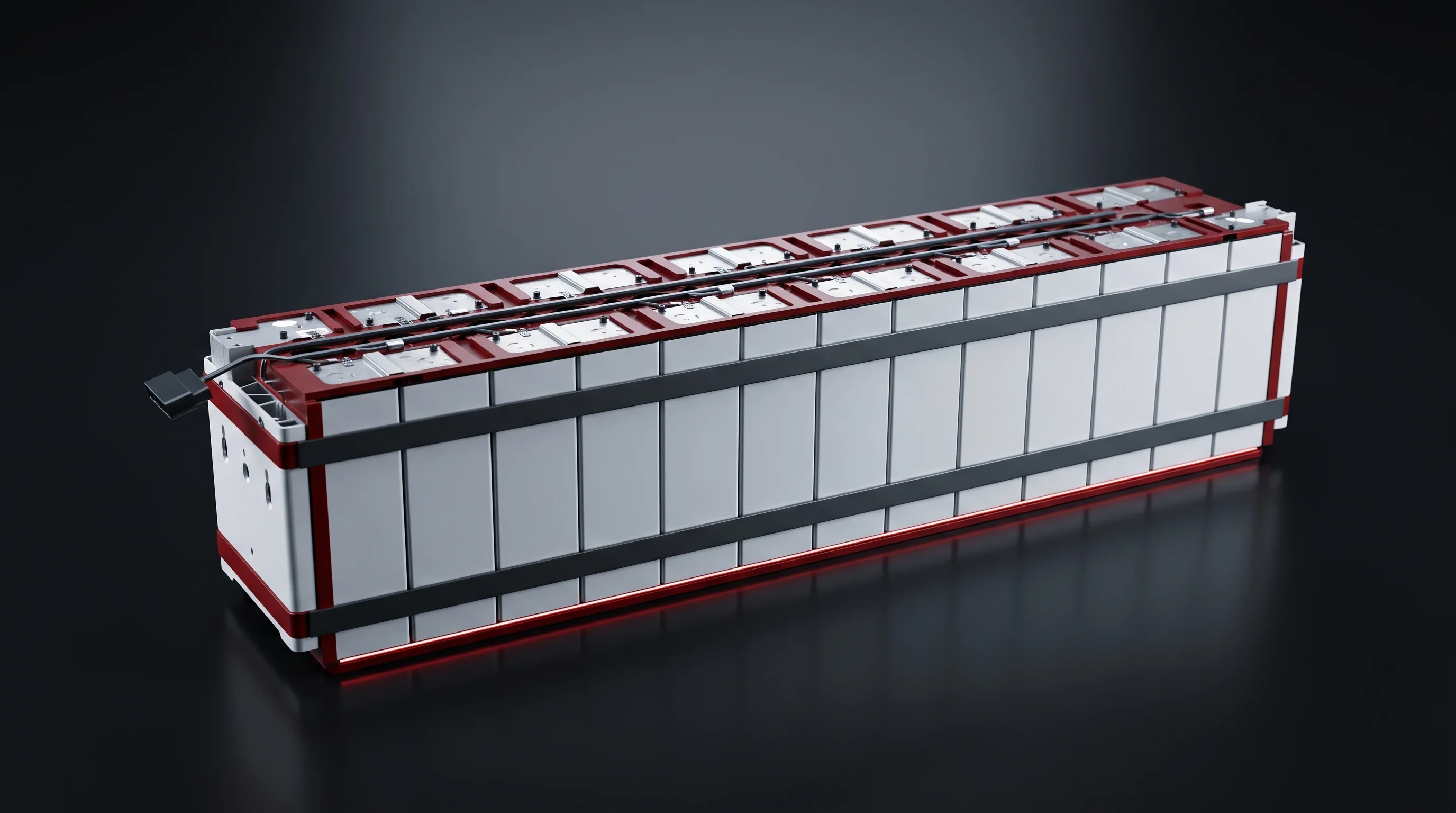
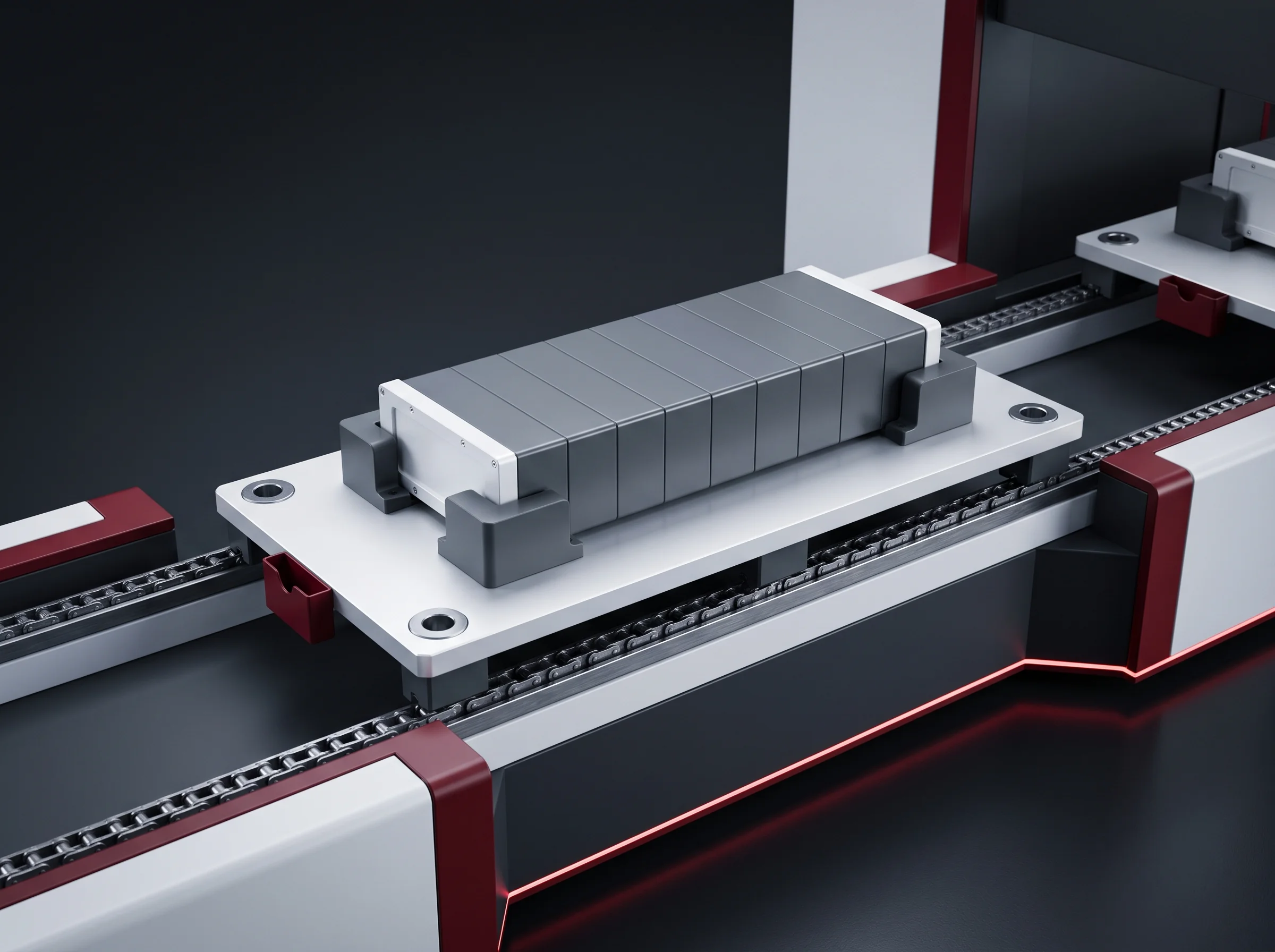
BLP-AD is station 11 of the seventeen in the module segment, supplied inside a new line or added to a segment already running. A banded module arrives on its carrier; the vision head travels the module and takes the terminals in order. Each exposure gives two things at once: where the terminal centre is, and which polarity it is. The pulsed laser then cleans a band on each terminal face, and the module leaves for busbar plate and CCS fitting with its coordinates already written to the plant system.
Process and equipment engineers at energy-storage and EV module plants — the people who have to say, afterwards, how the welder knew where to weld.

What leaves station 11
Three things leave here, and none of them is a pass certificate. Each travels as a record against the module number to your MES.

Not a verdict that the terminal was found, but the deviation of each terminal centre, recorded by module number. That set is the joint map the welding station is given.

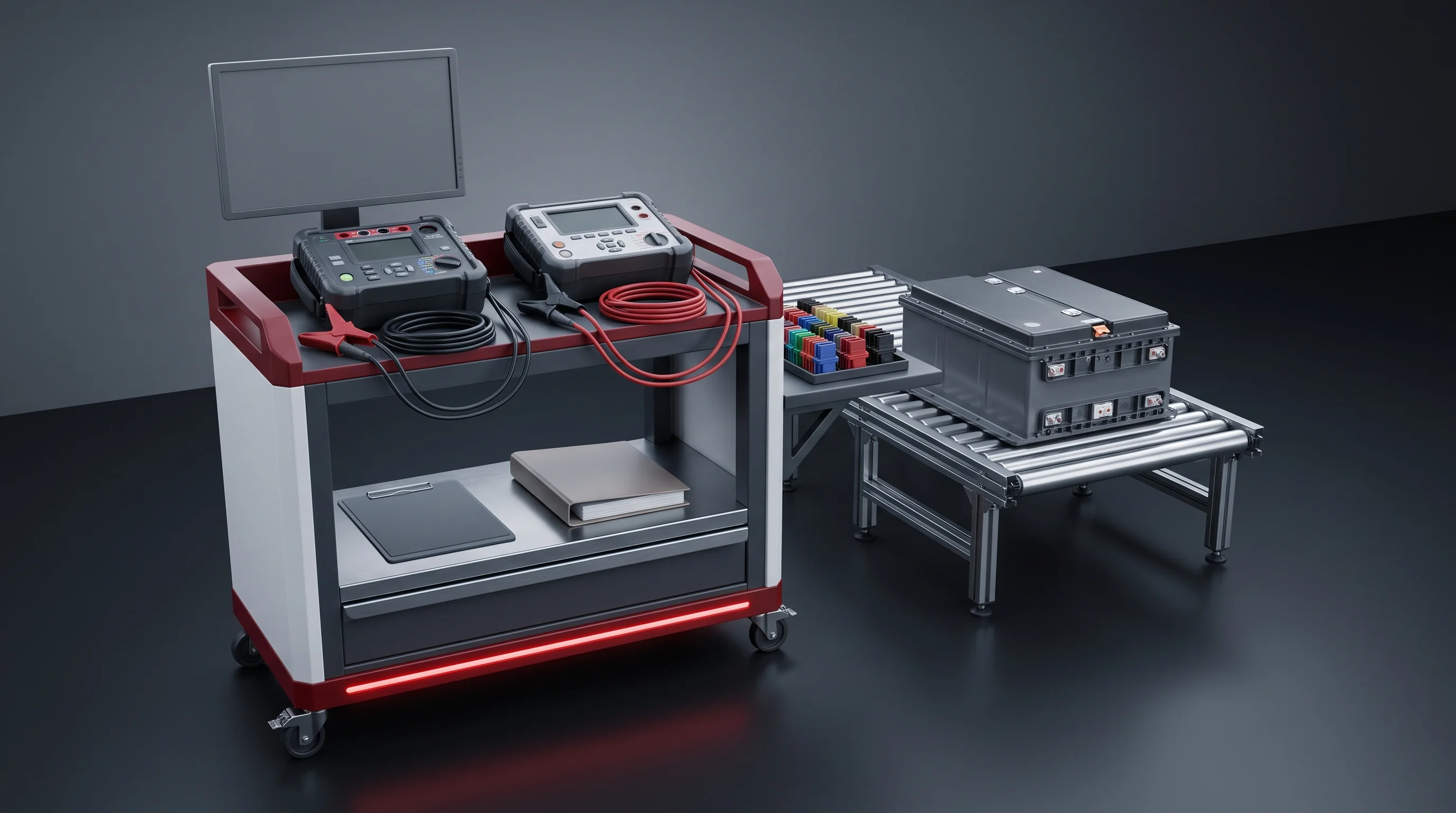
Established at cell loading, tested electrically at station 10, re-checked here from the terminal marking by the same exposure that produces the coordinate. A module that disagrees with its record is detained.

A 2 mm annular band around each terminal, cleaned by pulsed laser and timed. The time starts the 4-hour open period the welding station checks against.
Every module leaving here carries an account of where its terminals were and what state their surfaces were in.
Stations 09 to 13
Station 09 sets the geometry this station measures; station 12 covers the terminals it has to see.

Module length held to ±0.5 mm at the module stacking and pressing station.

Electrical check against the loading records; thresholds on the end-of-line testing page.

Coordinate and polarity from one exposure, laser cleaning of every terminal face, records to MES.

The plate goes on top of the terminals; manual or semi-automatic by build.

The busbar welding station is told where each joint is; it does not search for them.
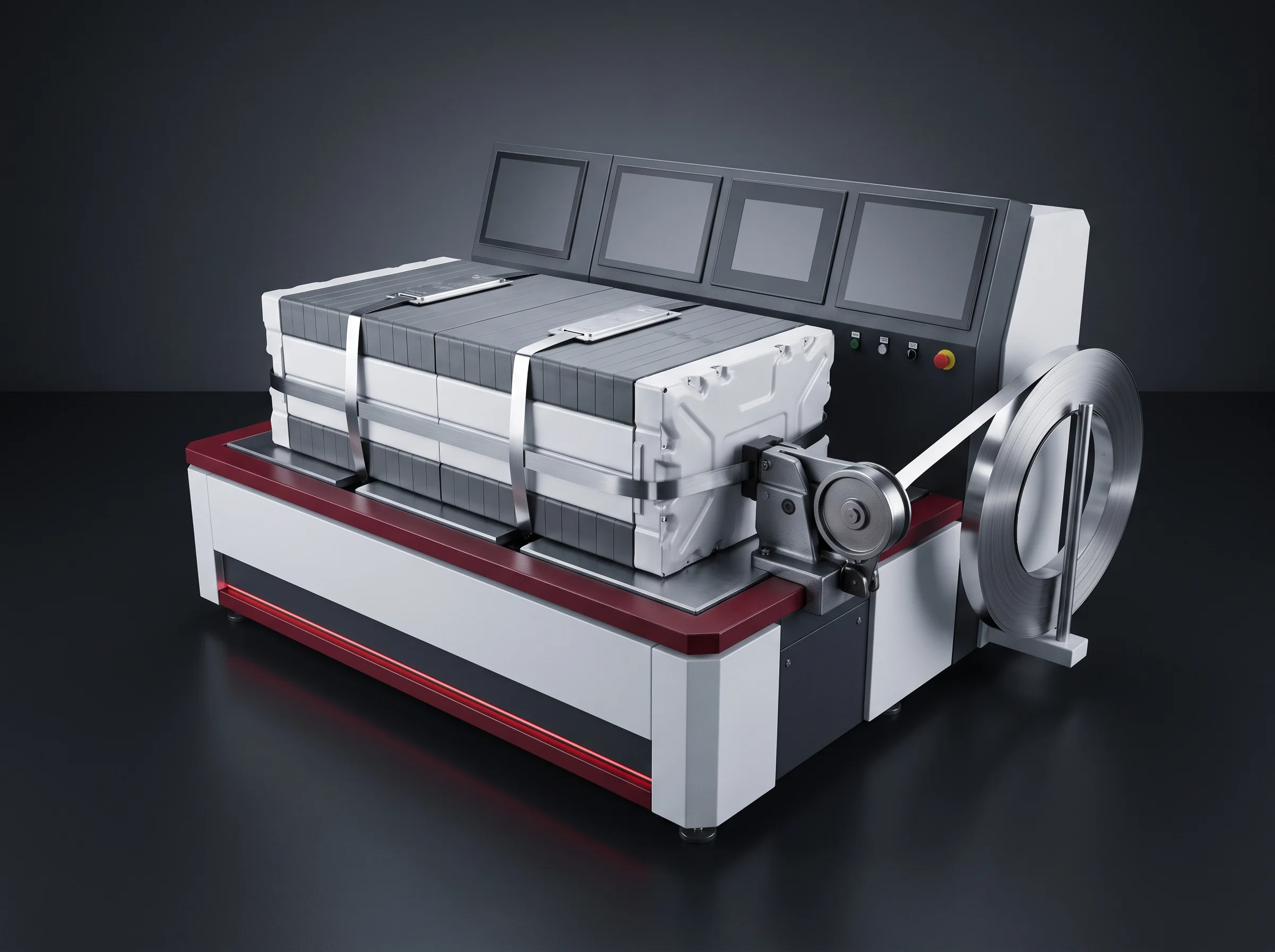
Banding at station 09 is a manual step, and so is busbar plate and CCS fitting on the economy configuration. Station 11 is fully automatic on both builds for a plain reason: what it produces is a number that has to be handed to a machine. A coordinate read by eye and typed in is not a joint map.
| # | Station | BLP-P8S | BLP-P15 |
|---|---|---|---|
| 09 | Pressing and banding | Semi-auto | Semi-auto |
| 10 | Polarity and insulation test | Auto | Auto |
| 11 | Terminal addressing and cleaning | Auto | Auto |
| 12 | Busbar plate and CCS fitting | Manual | Semi-auto |
| 13 | Busbar welding | Auto | Auto |
Economy configuration and high-automation configuration, per the module-segment station table.
Nine figures
The first four describe what the station reads, the next three what it does to the terminal, the last two how it is put to work.
| Figure | What it governs | Group |
|---|---|---|
| Addressing accuracy≤±0.2 mm | The deviation within which each terminal centre is returned. It is what the welding station works from, verified at acceptance against a standard module. | Reads |
| Motion speed200–300 mm/s | That every module is addressed rather than a sample of them. A check that cannot travel at line speed becomes a sampling plan. | Reads |
| Addressing plus cleaning≤3 s per terminal | The station cycle content per terminal, both jobs counted. Your terminal count per module decides where in the speed range the module sits. | Reads |
| One vision setTwo answers | Coordinate and polarity come from the same exposure of the same terminal, with no interval in which a module can pass one and miss the other. | Reads |
| Cleaning source100 W pulsed fibre laser | Removes the surface layer on the terminal face without the module leaving the carrier. | Does |
| Cleaned band2 mm annulus | How much of each terminal face is cleaned — on the terminal itself, not on the busbar plate that has not been fitted yet. | Does |
| Open time after cleaning4 hours | How long a cleaned terminal stays weldable. Timed by module number; a module past it comes back here before it may be welded. | Does |
| Changeover≤30 min recall · ≤4 h first teach | A qualified module type is a program call. A type new to the station is a vision teach with a first piece. | Works |
| AutomationAUTO, both configurations | Station 11 runs fully automatic on the economy build and on the high-automation build alike. | Works |

The frame
A terminal has to be answered for twice before it can be welded: where it is, and which way round it is. Both answers come from one frame.
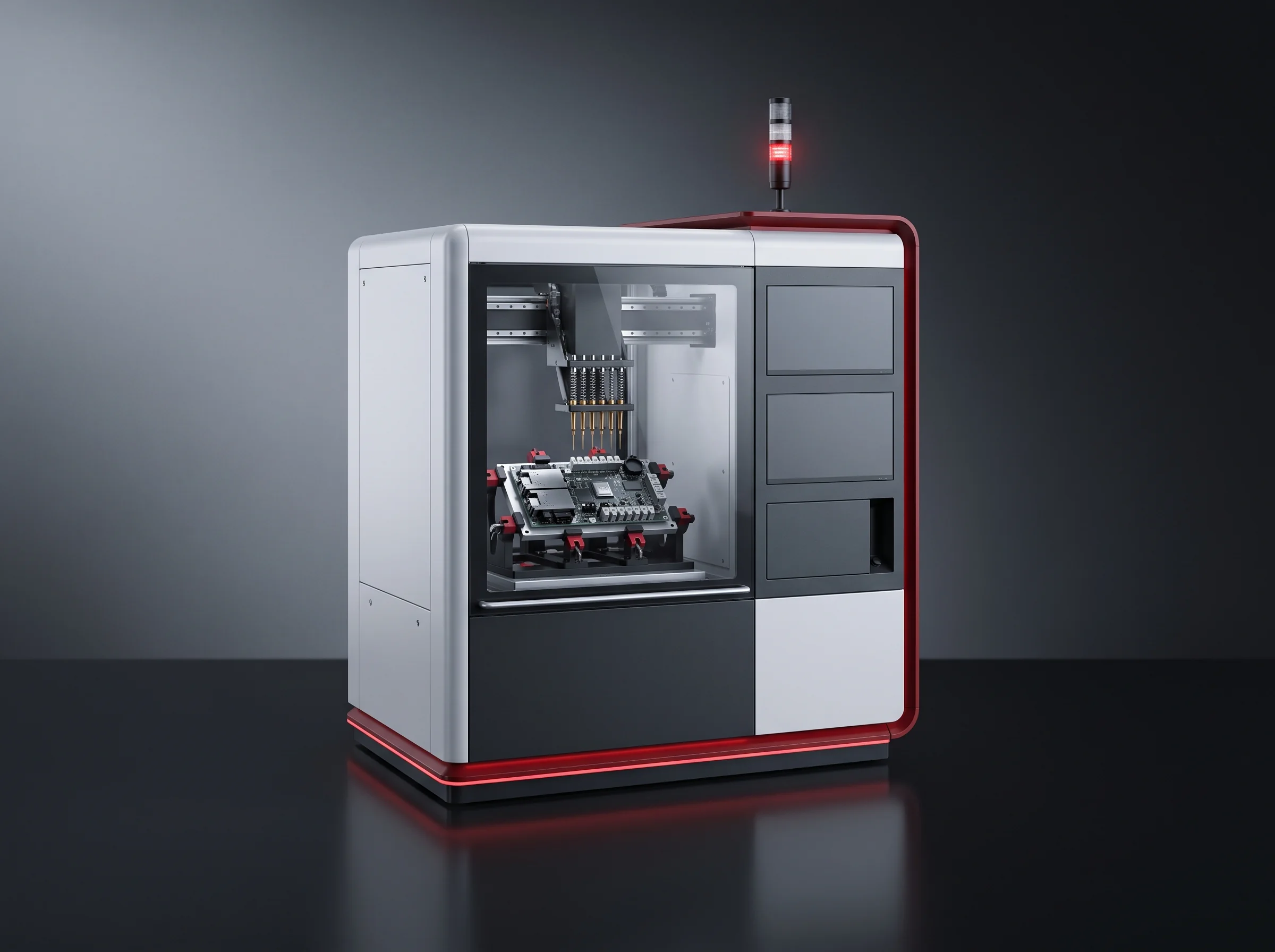
The vision head stops over a terminal, takes it, and the same frame is resolved two ways. The bright feature of the terminal gives the centre coordinate, to within ±0.2 mm. The terminal marking gives the polarity, read as the marking it carries rather than inferred from where the cell was supposed to be. One optic, one frame, one instant, two answers.
The module is banded and located on its carrier, so the frame is taken against a fixed reference rather than a stack that can still settle. It happens before station 12, so nothing is between the optic and the terminal.

Where the coordinates go
The coordinates this station produces are not filed as an inspection result. They are sent forward as the input the next welding machine runs on.
Deviation of every terminal centre, against the located carrier, under the module number.
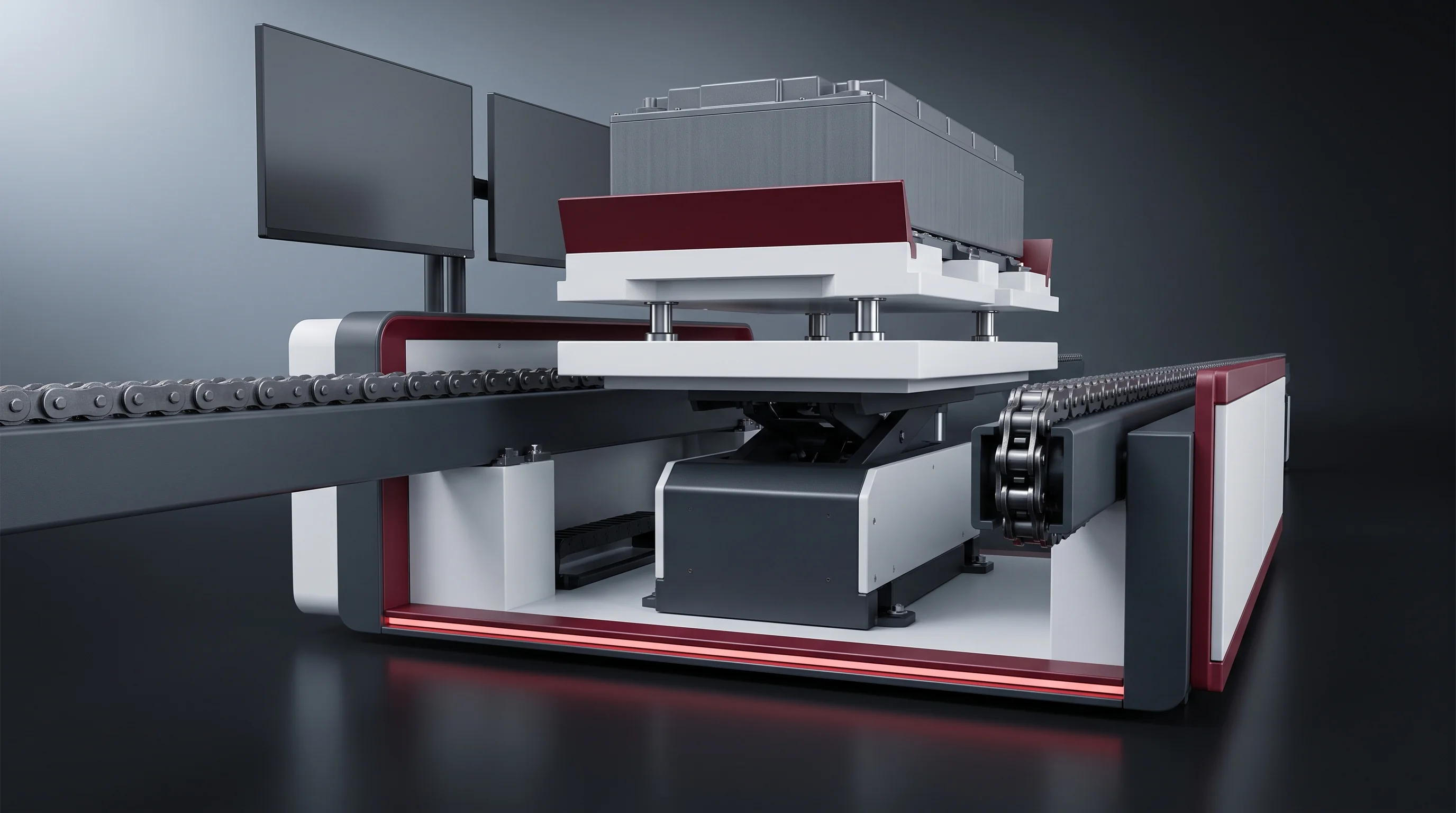
The carrier tooling holds an RFID tag with the module number, which is how coordinates written here find the same physical module two stations later. Carrier and tooling: conveying and positioning.
The busbar welding station is told where the joints are. What the scanner traverses is the module in front of it, not a drawing of a module like it.
By module number, as a deviation per terminal, over the plant network. Two uses come out of that.
The deviations are a picture of what upstream is doing: a stack drifting at pressing shows up as terminal positions drifting here, one station before anybody welds anything.
A module that is queried has a coordinate history from the terminal addressing station that can be read alongside the weld record made at station 13.

The datum under the figure
An accuracy figure is a statement about a datum before it is a statement about a machine. Here are all three layers of the one this figure stands on.


It arrives on a carrier, is stopped and lifted onto locating pins, and the pin location repeats to ±0.1 mm. The coordinate is returned with respect to that located carrier — the same carrier the module stays on through welding, so the frame the coordinates were taken in is the frame they are used in.
The stack was pressed, banded and measured at station 09 to a length held to ±0.5 mm. A pattern taught on one module only makes sense on the next because the module itself repeats.
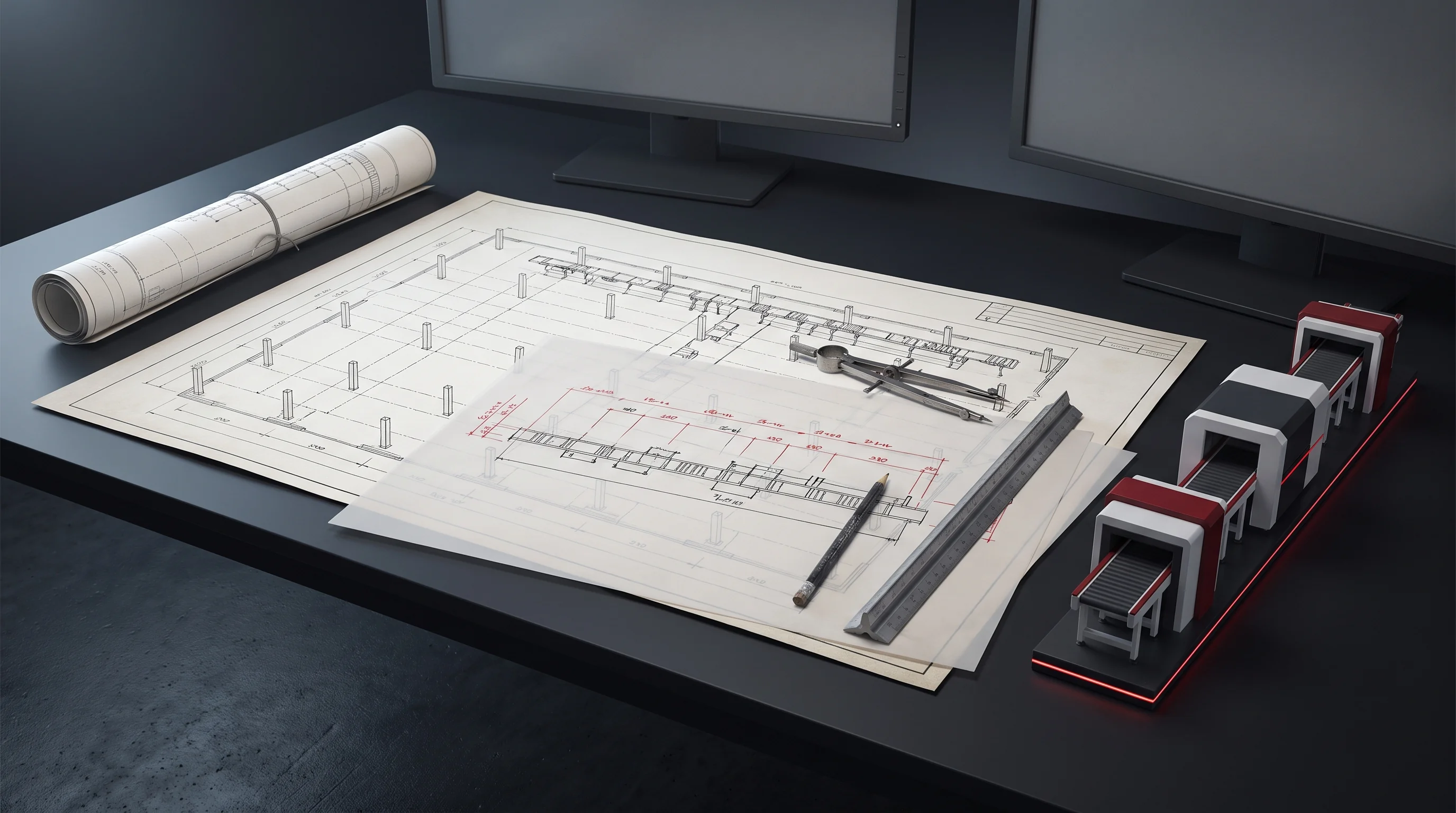
The drawing we work from
Terminal positions, the polarity marking as it appears, your series configuration, and how the terminals present themselves.
Back inside 24 hours: the terminal count per module, where inside 200–300 mm/s your module runs, what the vision teach involves for your marking, and the record fields this station would write. The contact page has the direct address.
100 W pulsed fibre · 2 mm band
Cleaning happens on the terminal, at the moment the terminal is the only thing there.
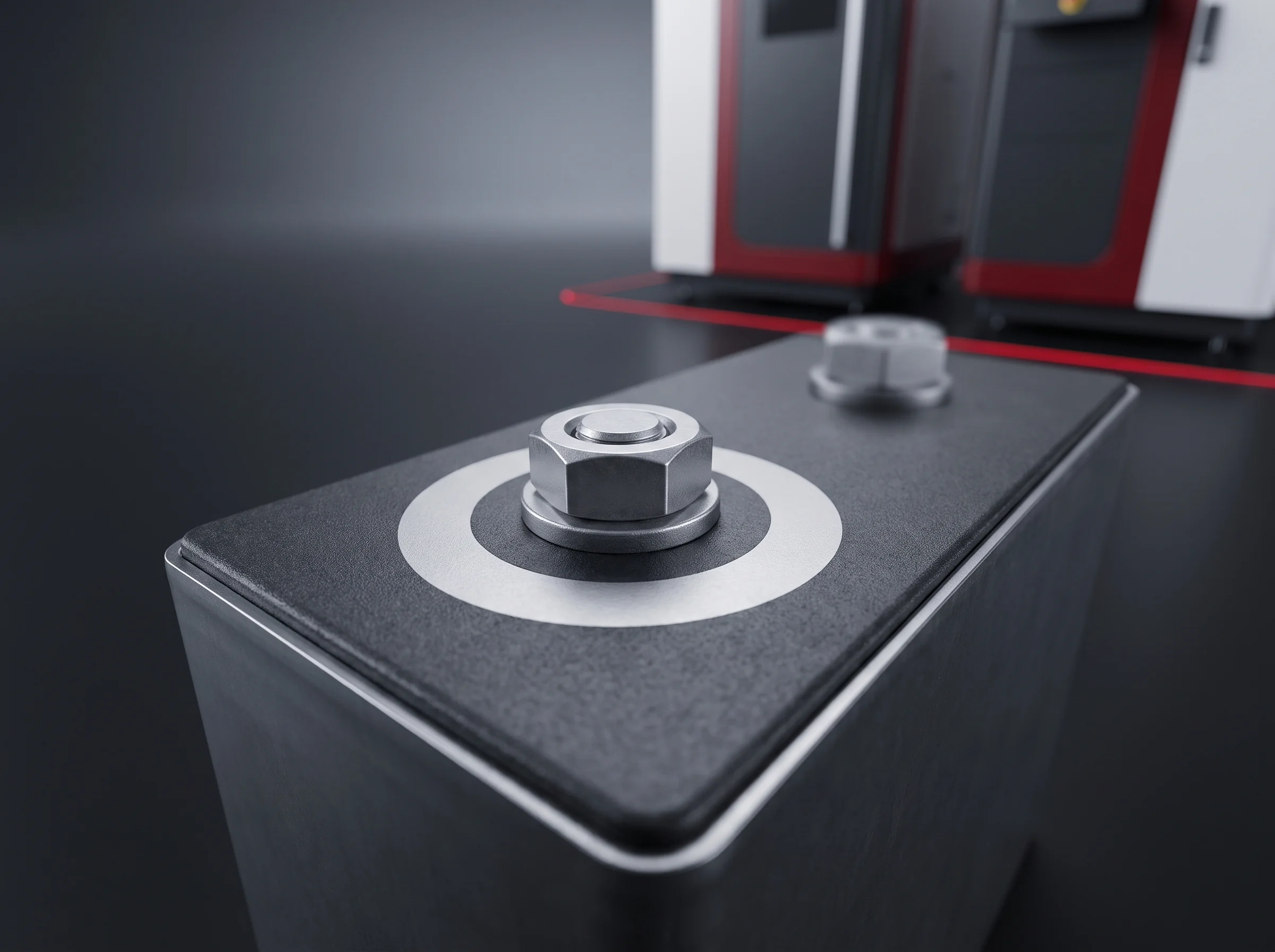
A 100 W pulsed fibre laser removes the surface layer over a 2 mm annular band on each terminal face, in the same clamping and the same 3-second per-terminal cycle as the exposure that addressed it. The module is not moved, re-clamped or re-found. The band is on the terminal, not on the busbar plate, because the plate has not been fitted yet — the whole reason cleaning shares a station number with addressing rather than sitting next to the welder.
Every cleaned terminal is recorded against the module number with the time it was cleaned, and that time starts an open period of 4 hours. A module that has waited longer — a shift change, a stoppage upstream, a module pulled aside and put back — returns to station 11, is cleaned again, and only then may be welded. The timer belongs to the module number, not to a shift, so a module cannot inherit somebody else’s clock.

Polarity, three looks
A module whose polarity does not agree with its record is detained here and not released. The check is a re-check, and saying so is more useful than claiming to be the first line of defence.
Terminal orientation is verified on the vision of the cell unloading station. Cells the wrong way round never reach a stack.
Polarity tested electrically on the banded stack, against the records written at loading.
A third look from a different direction: the marking on each terminal, read on the assembled and banded module, in the same exposure that returns the coordinate.
When the marking disagrees, the module is held with everything already written about it — which terminal, which module number, the coordinate measured at the same instant. It cannot be welded, because station 13 receives its joint map from here and a detained module has not handed one over.


Candidates
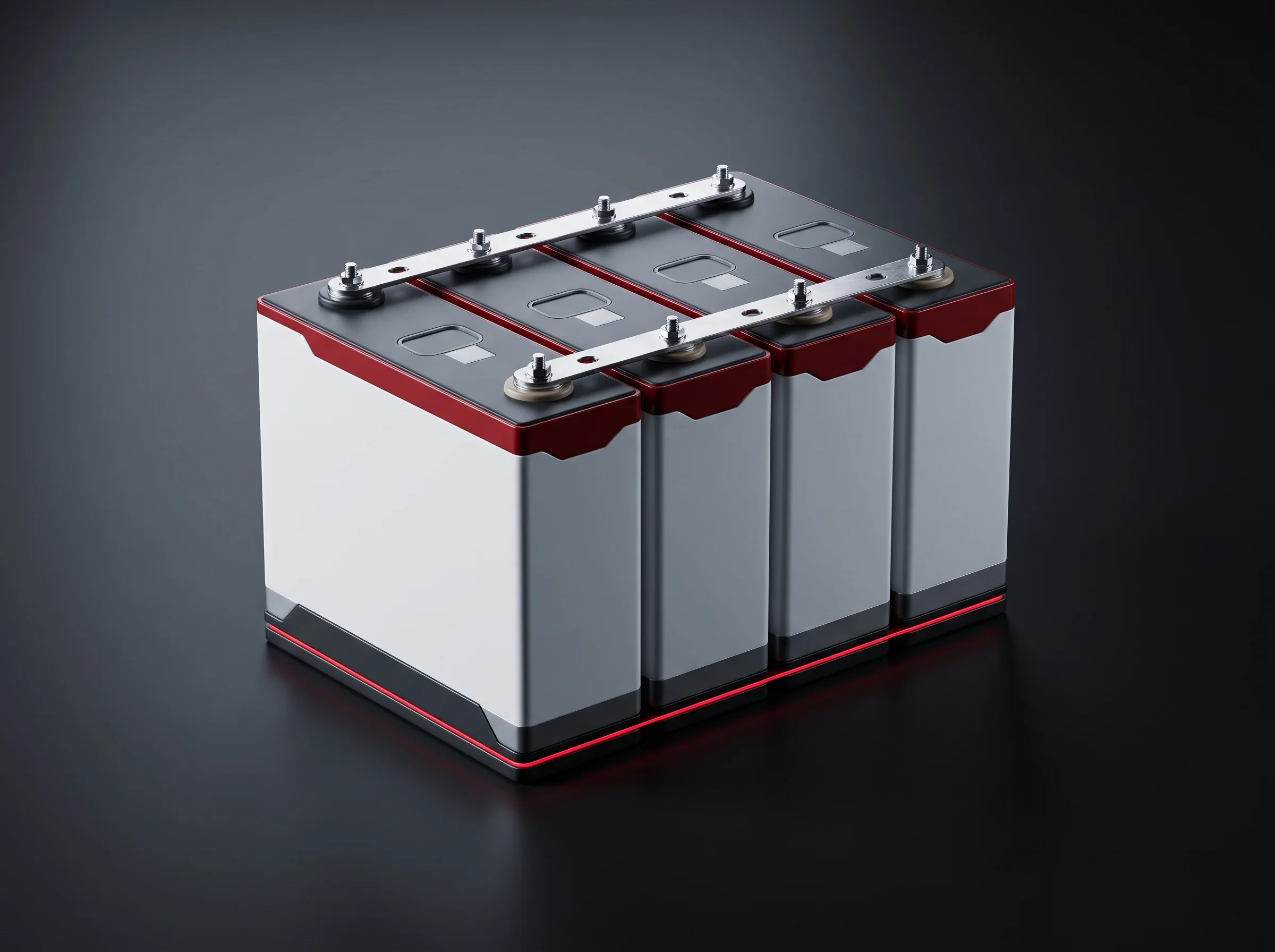
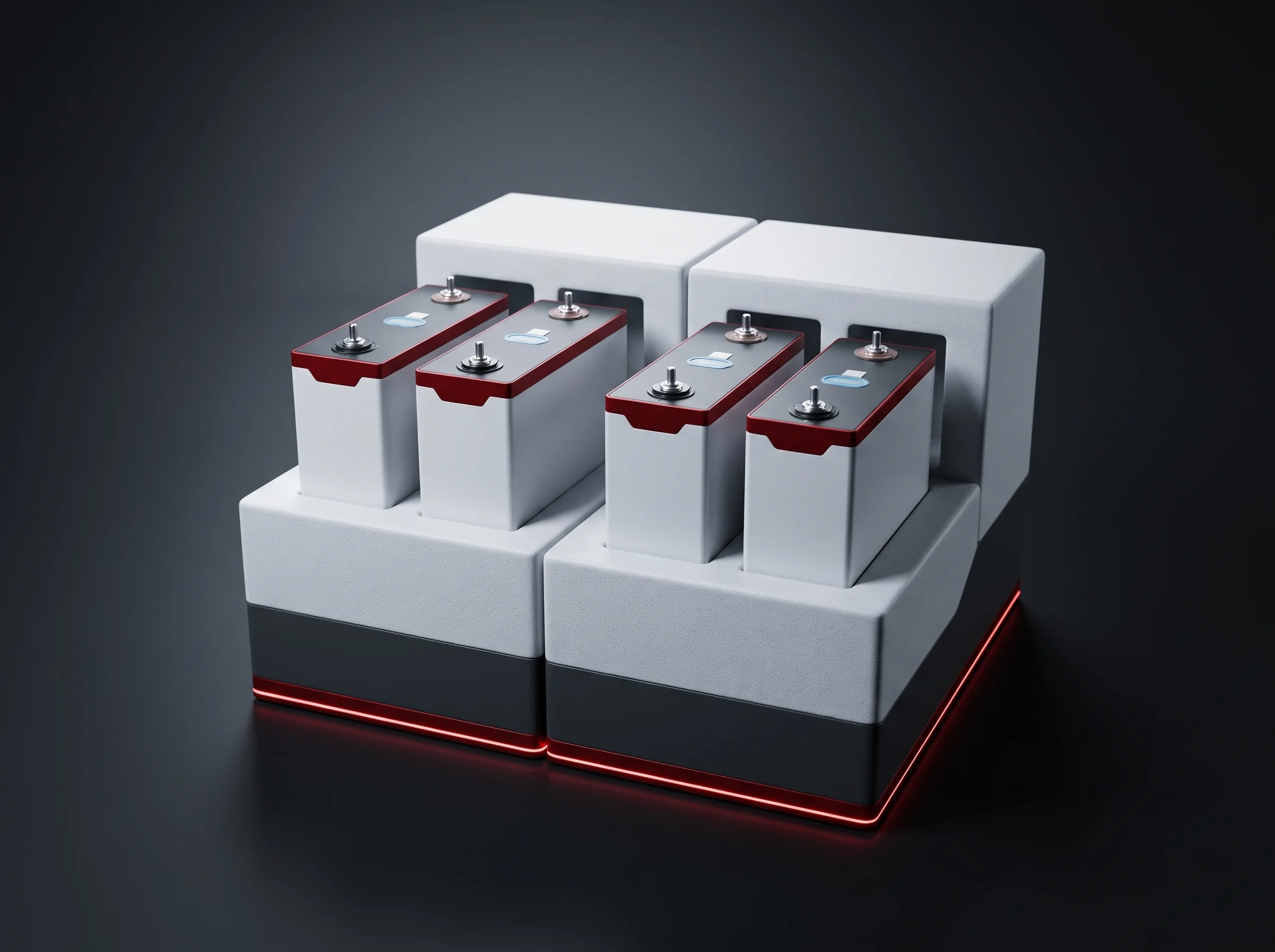
A module is a candidate if the vision set can see its terminals and the marking on them: terminals upward on the banded module, marking legible on the face.
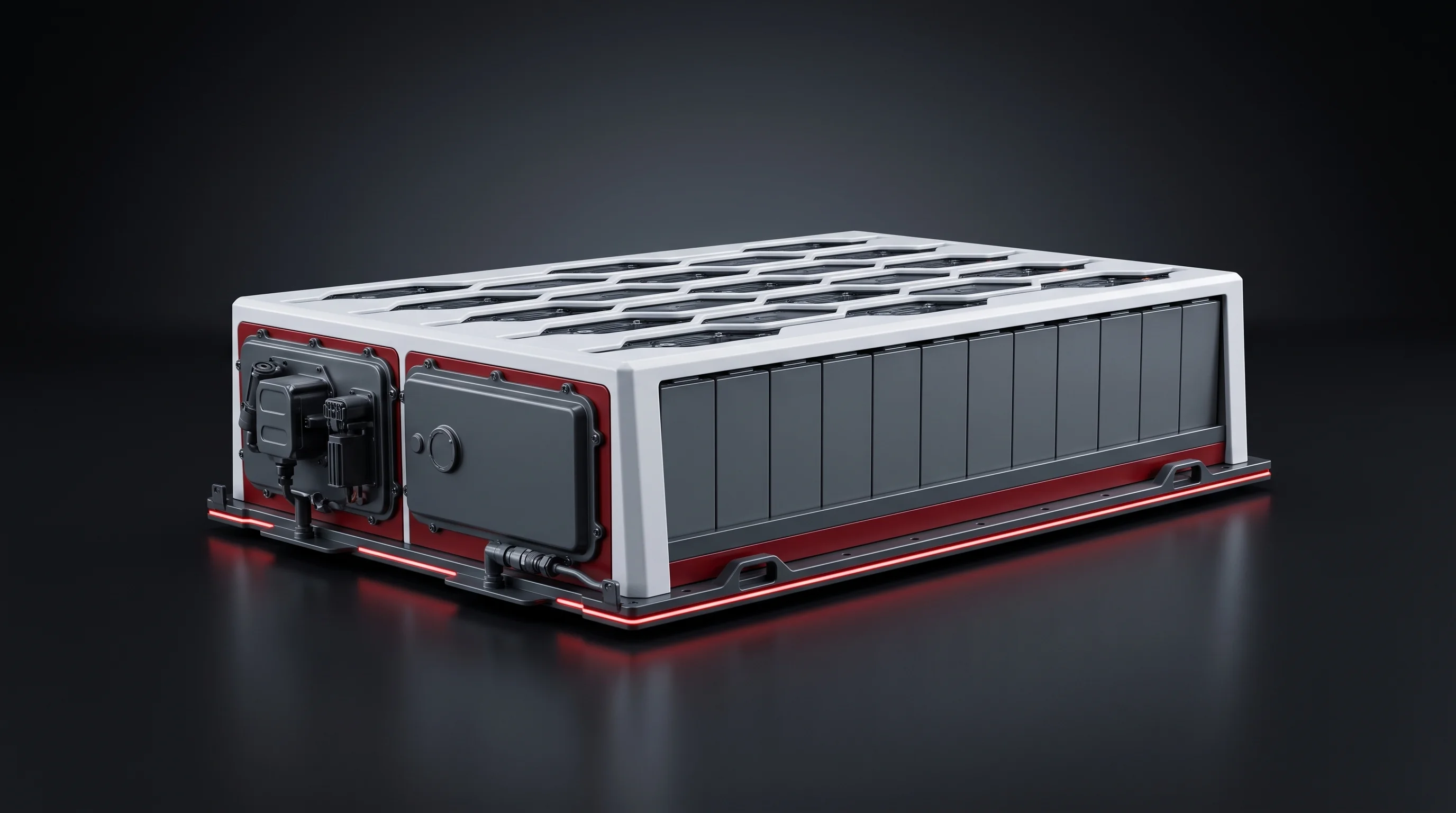
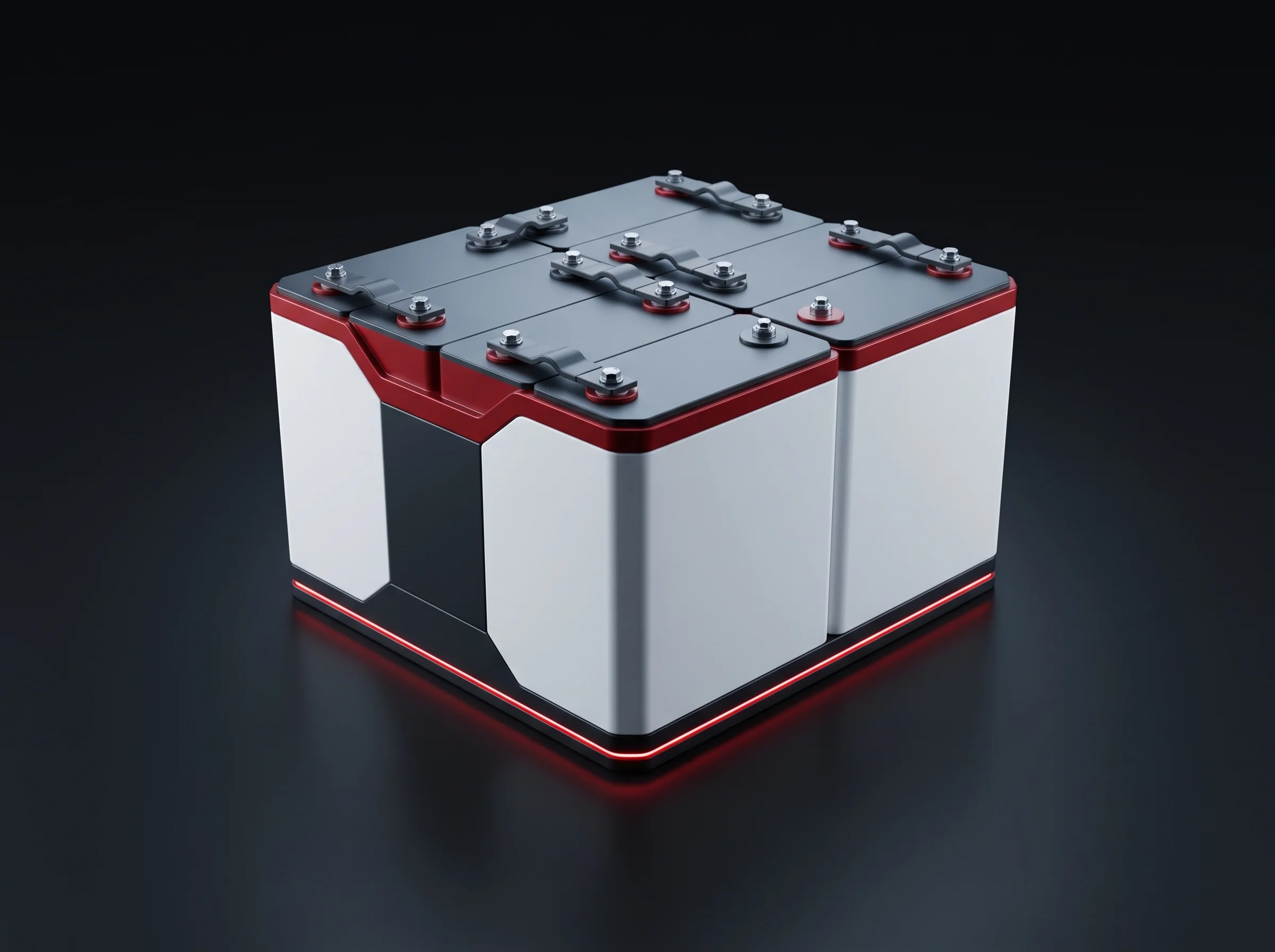
The blueprint module is a 1P13S, and the station addresses modules built from 8 to 24 prismatic cells. Your series configuration sets the terminal count per module, which decides where inside 200–300 mm/s your module runs and how many 3-second cycles the station spends on it. Compatibility spans across the segment: cell compatibility and changeover.
Settled from your drawing, not assumed: which features are looked for, in what order, and where the coordinate frame is anchored.
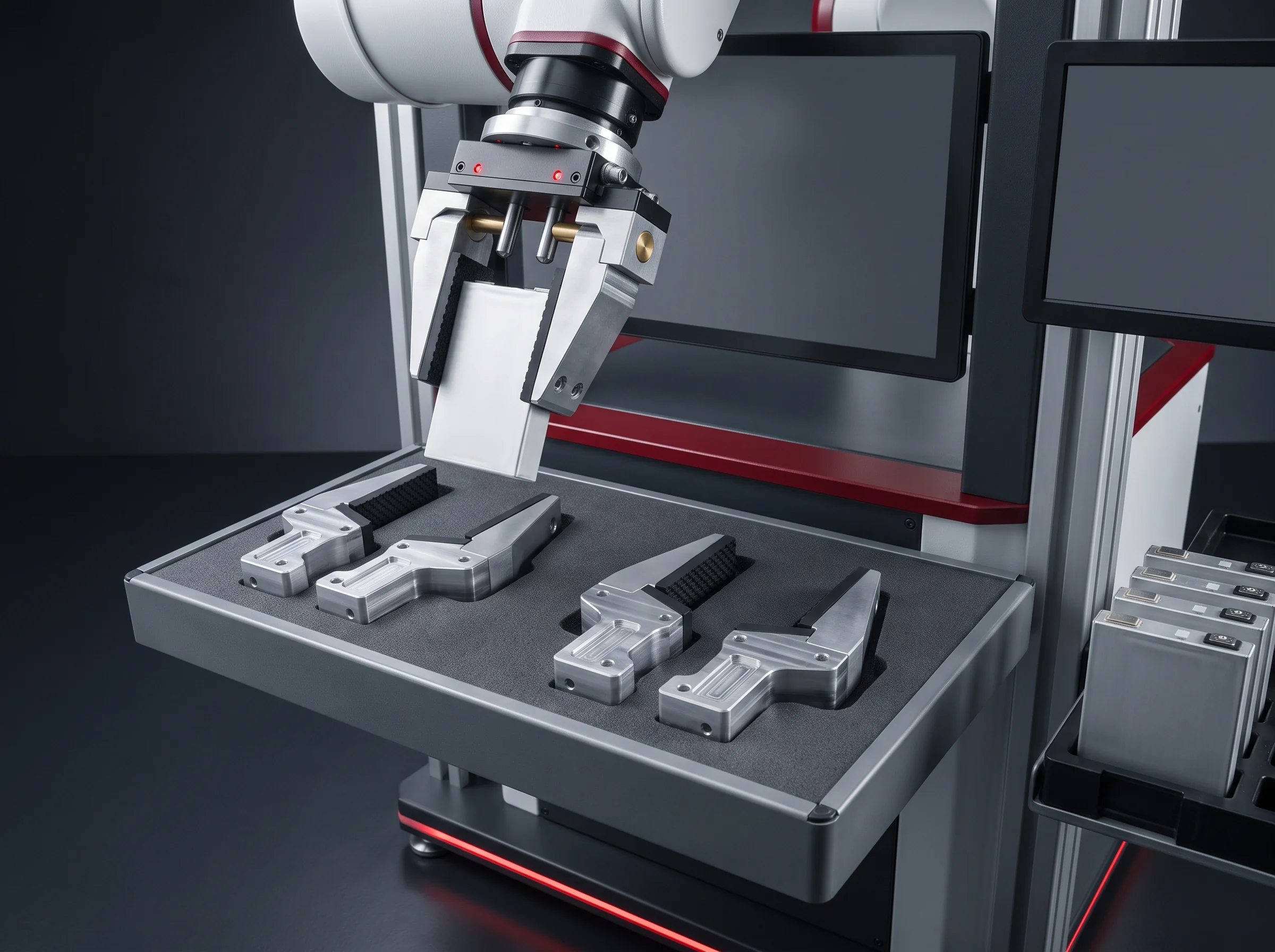
The marking becomes the rule, set for how your cell supplier marks the terminal. Stored with the program.


Two figures, not one average
A changeover that involves teaching is a different activity with a different duration, which is why both figures are published rather than blended.

Within module types the station has already been taught, changeover is a program call, and the station is producing again.

A module type this station has not seen before. What happens in those hours is why the first figure can be as short as it is.
After the first teach the type is a recall. The module type that ran three weeks ago runs the same way today, because nothing about it lives in an operator’s memory.
Into the first piece: a module of your type is run, its returned coordinates are compared against the module’s measured positions, and only when they agree is the program saved. Station-by-station hours for the whole segment: the changeover page.
Checked in front of you
By comparative measurement: a module of known terminal geometry is run through the station and the coordinates it returns are compared against the module’s measured positions.

In our 6,000 m² assembly workshop, on one of three bays where the line is stood up in its shipping configuration, using your cells, busbars, end plates and housings. Two to three working days.

Repeated on your floor after installation, at your target takt, with yield of at least 99% for causes attributable to the equipment.
The criteria for that check, like those for every station, are written by the process engineer who sets the parameters and countersigned by quality. The eight steps and what is signed at each are on the factory and site acceptance page.
Four inputs
Four things specify this terminal addressing station. With them come back the terminal count per module, the cycle content this station adds, the vision teach your type needs, and the record fields it would write into your MES.
With terminal positions shown.
How it appears on your terminals.
Sets the terminal count per module.
Where in 200–300 mm/s the module runs.


Your enquiry, ready to send
If your email client opened, it is already in the message. If nothing opened, use one of the two routes below.
Start with the terminals
Four inputs to our engineering team and the terminal count, the cycle content, the vision teach and the record fields come back within 24 hours. Behind it: 26 engineers and 40+ line segments into 12 countries, on the about page.